Salesforce Tableau Integration Guide 2026
⏱ 3 min read
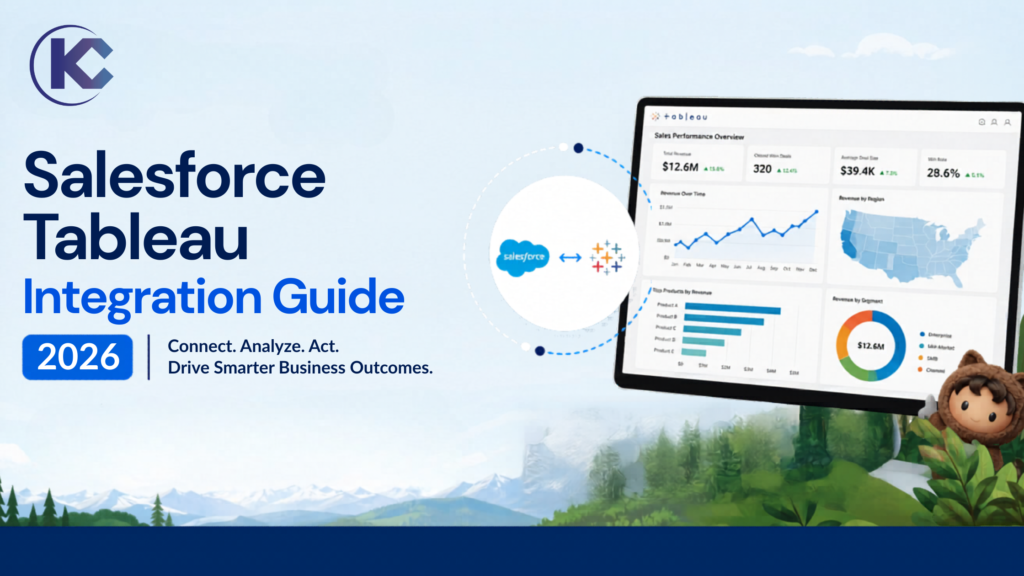
Salesforce and Tableau Integration Guide: Learn how Salesforce and Tableau integration transforms enterprise decision-making with real-time analytics, unified CRM data, and AI-powered dashboards. Whether you are searching for how Tableau connects with Salesforce, what is CRM Analytics (Tableau CRM), or how to integrate Salesforce data into Tableau dashboards, this guide covers architecture, use cases, benefits, and best practices for building a fully data-driven organization.
What is Tableau?
Tableau is a powerful business intelligence (BI) and data visualization tool that helps organizations turn complex data into easy-to-understand charts, graphs, and dashboards. Instead of working through large spreadsheets, users can quickly explore data, identify trends, and make better business decisions using interactive visual reports.
Acquired by Salesforce, Tableau serves as the visual and analytical powerhouse of the ecosystem, allowing both technical and non-technical users to connect data from multiple sources, analyze information, and share insights across teams through a simple drag-and-drop interface.
Core Capabilities of Tableau:
- Data Connectivity: Seamlessly links to cloud databases, spreadsheets, big data warehouses, and web applications.
- Visual Analytics: Uses an intuitive drag-and-drop interface to build charts, graphs, and maps without writing code.
- Tableau Prep: Cleans, shapes, and combines disparate data sources before analysis begins.
- Tableau Pulse: Delivers personalized, AI-driven metrics and automated insights directly to users’ daily workflows.
What is Salesforce and Tableau Integration?
Salesforce and Tableau integration enables organizations to combine CRM data with advanced data visualization and business intelligence capabilities. Salesforce acts as the system of record, while Tableau (and Tableau CRM, formerly Einstein Analytics) transforms that data into actionable insights through interactive dashboards.This integration removes data gaps by connecting sales, marketing, service, and operational data directly into Tableau dashboards, enabling real-time decision-making across departments.In modern enterprises, this integration is essential for building a data-driven Salesforce ecosystem powered by Tableau analytics.
How Salesforce Tableau Integration Works
- Data Connection: Salesforce data is connected via native Tableau connectors or APIs
- Data Sync: Real-time or scheduled extraction of CRM data into Tableau
- Data Modeling: Tableau Prep or CRM Analytics prepares structured datasets
- Visualization: Dashboards display KPIs, forecasts, and trends
- Actionable Insights: Insights can be pushed back into Salesforce workflows
Salesforce + Tableau: Unified Analytics Powered by Customer 360 & Data Cloud
Salesforce and Tableau together form a complete end-to-end analytics ecosystem that connects CRM data, external enterprise systems, and AI-driven insights into a single decision-making layer. According to Tableau’s official Salesforce integration strategy, the goal is to bring Customer 360 data directly into analytics workflows so every team can act on real-time insights without switching systems.
- Salesforce Customer 360 Integration: Tableau connects marketing, sales, service, commerce, and IT data into unified dashboards
- Data Cloud Activation: Enables real-time access to unified customer profiles across all systems
- Einstein AI + Tableau: Predictive insights and AI-driven recommendations embedded into dashboards
- Slack Integration: Share dashboards, alerts, and insights directly inside collaboration workflows
- Embedded Analytics: Tableau dashboards can be embedded directly into Salesforce applications
How Data Cloud Strengthens Salesforce and Tableau Integration
Data Cloud acts as the unified data layer between Salesforce and Tableau, allowing organizations to activate billions of records across systems in near real-time. Instead of traditional batch reporting, Data Cloud enables continuous data activation for analytics, segmentation, and automation.
- Unifies structured and unstructured data from CRM, ERP, and external sources
- Enables real-time segmentation and customer analytics in Tableau dashboards
- Reduces dependency on data warehouses for operational BI use cases
- Allows Tableau to analyze “live customer profiles” instead of static datasets
Why Enterprises Choose Salesforce + Tableau Over Traditional BI Tools
Native CRM Intelligence
Unlike standalone BI tools, Tableau is deeply integrated with Salesforce CRM, enabling direct access to customer lifecycle data without complex ETL pipelines.
End-to-End Customer Journey Analytics
From lead generation to post-sale service, Tableau visualizes the entire Customer 360 journey in real time.
Embedded Decision Intelligence
AI-powered insights from Salesforce Einstein and Tableau Pulse help teams take action directly inside workflows.
Scalable Data Architecture
Built on Salesforce Einstein 1 platform, Tableau supports billions of records, multi-cloud environments, and enterprise-grade governance.
Real-World Salesforce + Tableau Use Cases
- Executive dashboards powered by live Salesforce sales pipeline data
- Customer churn prediction using AI + Tableau CRM Analytics
- Marketing ROI tracking across Salesforce Marketing Cloud campaigns
- Service operations dashboards for SLA compliance and case deflection
- Revenue forecasting using multi-region CRM datasets
- Product performance analytics tied directly to customer feedback data
The Salesforce + Tableau ecosystem is no longer just a BI integration – it is a complete Customer 360 intelligence layer. With Data Cloud, Einstein AI, and Tableau analytics combined, organizations can move from static reporting to continuous, real-time decision intelligence across every business function.
Key Benefits of Salesforce and Tableau Integration
Unified Data Visibility
Combine CRM, marketing, service, and financial data into a single analytics layer for complete business visibility.
Real-Time Decision Making
Live dashboards ensure leadership teams make decisions based on up-to-date Salesforce data.
Advanced Analytics
Use predictive insights, AI-driven forecasting, and trend analysis through Tableau and CRM Analytics.
Improved Operational Efficiency
Automate reporting workflows and reduce dependency on manual Excel-based reporting systems.
Salesforce Tableau Integration Architecture
- Salesforce CRM Layer: Source of structured customer and business data
- Integration Layer: APIs, Tableau Connectors, MuleSoft (optional)
- Data Processing Layer: Tableau Prep / CRM Analytics
- Visualization Layer: Tableau Dashboards & Reports
- Action Layer: Feedback loops into Salesforce workflows
Best Practices for Salesforce Tableau Integration
- Define clear KPIs before building dashboards
- Use data governance rules inside Salesforce
- Avoid overloading dashboards with unnecessary metrics
- Use incremental data sync for performance optimization
- Enable role-based access for secure analytics
Frequently Asked Questions about Salesforce Tableau Integration
Is Tableau the same as Salesforce CRM Analytics?
No. Tableau is a standalone BI tool for visualization, while CRM Analytics (formerly Tableau CRM / Einstein Analytics) is natively embedded within Salesforce.
Can Tableau directly connect to Salesforce?
Yes. Tableau provides native Salesforce connectors that allow real-time or scheduled data extraction for reporting and dashboards.
Why integrate Salesforce with Tableau?
To unlock advanced analytics, unify business data, improve forecasting accuracy, and enable real-time decision-making across teams.
Conclusion
Salesforce and Tableau integration is a critical enabler of modern data-driven enterprises. By combining CRM intelligence with powerful BI visualization, organizations can unlock deeper insights, improve forecasting accuracy, and drive faster business decisions.
Companies that adopt Salesforce Tableau integration early gain a competitive advantage through real-time analytics, automated reporting, and AI-powered insights.
Need Help with Salesforce Tableau Integration?
We help enterprises implement Salesforce + Tableau integration, CRM Analytics dashboards, and end-to-end data architecture for scalable BI systems.