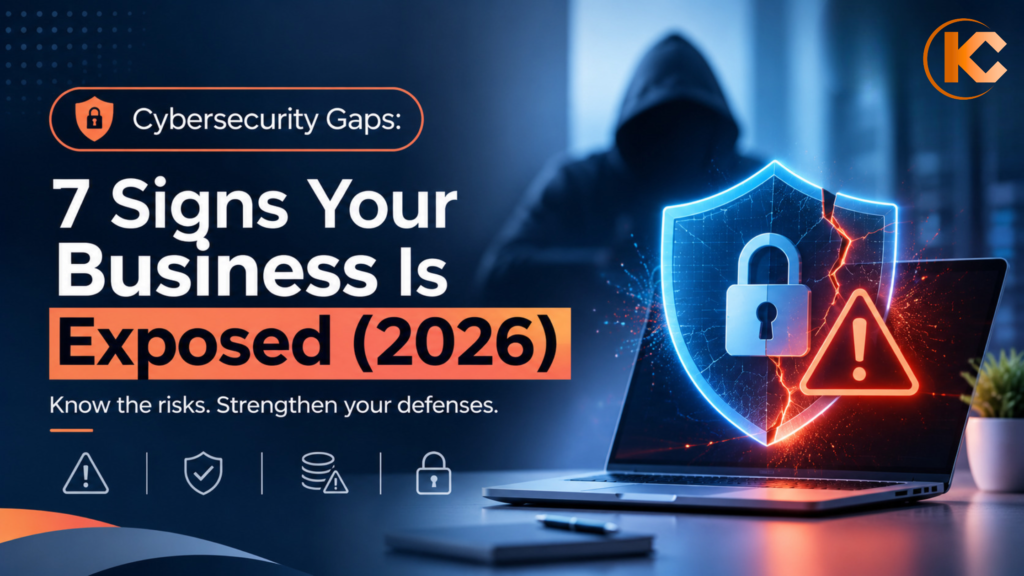
Cybersecurity Gaps: 7 Signs Your Business Is Exposed (2026)
⏱ 3 min read
Cybersecurity • Risk • Enterprise Security
Cybersecurity gaps are weak spots in your controls, processes or ownership that attackers can use and nobody is watching. This guide is for CIOs, IT and security leaders and Salesforce admins who want a fast way to tell whether their business has a cybersecurity problem. It covers seven warning signs, a quick test for each, how to run a cybersecurity risk assessment, and where Salesforce, AI and third-party tools add new exposure.
SM
By Sanjeet Mahajan, Founder & CEO, Kizzy Consulting · LinkedIn
Published: November 23, 2026 · Modified: November 23, 2026
Quick Answer
Your business likely has cybersecurity gaps if you lack a current technology inventory, apply multi-factor authentication unevenly, cannot verify patching, leave alerts unowned, never test restores, train staff rarely, or have no written incident response plan. If two or three of these apply, fix them now.
Contents
hide
What Are Cybersecurity Gaps and Why Do They Matter?
Gaps are rarely missing products. More often a control exists but is not applied everywhere, not tested or not owned by anyone. That is why a business can pass an audit and still be easy to breach.
The data points to basic hygiene. Verizon’s 2026 breach report, as reported by SecurityWeek, found unpatched vulnerabilities were the top way in, ahead of stolen credentials.
31%
of breaches came from exploited, unpatched vulnerabilities.
43 days
median time to fully patch in 2025, up from 32.
62%
of breaches involved a human element.
48%
of confirmed breaches involved ransomware.
Source: Verizon 2026 Data Breach Investigations Report, as reported by SecurityWeek, May 19, 2026.
Cybersecurity Gaps in Access, Patching and Visibility (Signs 1 to 4)
These signs draw on checklists from Cyber Management Alliance and Centriworks, combined and tested against CISA’s baseline goals.
- No current technology inventory. Cloud apps, devices and remote-access tools that nobody tracks cannot be patched, backed up or monitored. Test: can you list every app that holds company data? CISA’s performance goals call for refreshing the asset inventory at least monthly.
- Uneven multi-factor authentication and access. MFA may cover email but miss other business apps, former staff may keep accounts, and admin rights are often too broad. Test: list accounts without MFA. CISA favors phishing-resistant methods over SMS codes.
- Patching you cannot verify. With a 43-day median to fully patch, unowned patch management is a real window for attackers. Unsupported software is worse, since it gets no fixes. Test: pick one critical system and prove its last patch date.
- Alerts with no owner. Endpoint, firewall, identity and email tools raise alerts, but if no named person reviews them, intrusions can go unnoticed for weeks. Test: who reads last night’s alerts, and what do they escalate?
Need Help Closing These Gaps?
Our enterprise cybersecurity team works on identity and zero trust, vulnerability management, data protection, and security for AI, LLM and CRM environments.
Cybersecurity Gaps in Backups, Training and Incident Response (Signs 5 to 7)
- Backups that were never tested. Jobs fail silently, and ransomware, involved in 48% of confirmed breaches, targets backups too. Keep them separate from main systems. Test: when did you last restore from backup, and how long did it take? CISA recommends testing at least annually.
- Infrequent security awareness training. A yearly slideshow does not change behavior when 62% of breaches involve people. Test: do staff know how to report a suspicious email, and have they seen a phishing simulation this year?
- No documented incident response plan. “Call IT” is not a plan. Decisions about who isolates systems, shuts down accounts, informs customers and contacts legal or insurers get made mid-attack. Test: can any manager find the plan and name the first three actions?
Cybersecurity Gaps in Salesforce, AI and Third-Party Tools
The seven signs apply to any business. Enterprises also carry exposure that older checklists miss, because customer data now lives in SaaS platforms and flows through AI tools and vendor integrations.
- Over-broad CRM permissions. Profiles or permission sets with View All Data let any compromised account, or any AI assistant acting for that user, reach far more records than needed.
- AI tools inherit access. An assistant or agent acts with its user’s reach, so permission clean-up matters before rollout. See our guide to AI security risks and best practices.
- Vendor and integration sprawl. Each connected app or API is an extra door. Our post on third-party cyber governance risk shows how to review them.
Related Read
Review data access, permissions and best practices for your Salesforce org before attackers or AI tools find the gaps.
Salesforce Security Controls: Data Access, Permissions & Best Practices →
Cybersecurity Risk Assessment: How to Prioritize Cybersecurity Gaps
A cybersecurity risk assessment turns the seven signs into a ranked fix list. Kizzy’s rule of thumb: every gap needs an owner, a test and a date.
Keep the first pass small. A two-hour workshop with IT, operations and one business owner is usually enough to score all seven signs honestly. Bring evidence rather than opinions: a patch report, an MFA export, the date of the last restore and the incident response document, if one exists. Where evidence is missing, score that sign as none. Missing evidence is itself a finding, because an attacker will not give you the benefit of the doubt either.
Next, separate quick wins from projects. Turning on MFA for remaining apps, naming an alert owner and scheduling a restore test take days. Building an asset inventory, replacing unsupported software or writing and rehearsing a response plan take weeks. Doing the quick wins first lowers risk immediately and builds momentum for the larger work.
- Score each sign as none, partial or full.
- Rank by exposure. Internet-facing systems, identity and patching come first.
- Assign an owner and a due date to every fix.
- Re-check after big changes, such as a new cloud platform, new remote users or a security incident.
| Control | Minimum review rhythm (CISA) |
|---|---|
| Asset inventory | At least monthly |
| Backup restore test | At least annually |
| Staff training | At least annually, and within 10 days for new hires |
| Incident response drill | At least annually |
Cybersecurity Gaps FAQs
What are the most common cybersecurity gaps?
The most common are untracked technology, inconsistent multi-factor authentication, unverified patching, unowned security alerts, untested backups, infrequent staff training and no written incident response plan. Most are process failures, not missing tools, which is why they survive even in well-funded environments.
How do I find cybersecurity gaps in my business?
Start with a cybersecurity risk assessment. Score the seven signs in this guide, run the one-line test for each, then rank findings by exposure and assign an owner and date. Internet-facing systems, identity and patching usually come first. Repeat the check after major changes.
Does MFA close cybersecurity gaps on its own?
No. MFA matters, and CISA favors phishing-resistant methods, but it does not fix unpatched systems, untested backups or a missing response plan. Verizon’s 2026 data, as reported by SecurityWeek, ranks exploited vulnerabilities above credential abuse, so MFA must sit alongside patching and monitoring.
How often should I check for cybersecurity gaps?
Follow a rhythm. CISA’s baseline goals suggest monthly asset inventory updates and at least annual restore tests, staff training and incident response drills. Also reassess after significant changes, such as a new cloud platform, added remote users, a regulatory change or a security incident.
Do Salesforce and AI tools create new cybersecurity gaps?
They can. Over-broad permissions, connected apps and AI assistants that inherit a user’s access widen what a single compromised account can reach. The fix is least-privilege access, a review of integrations and clear approval rules before you roll AI tools out to users.
Cybersecurity Gaps: Key Takeaways
- Test, do not assume. Each of the seven signs has a one-line test you can run this week.
- Fix patching, access and recovery first. They are the most exposed and the most measurable.
- Give every gap an owner and a date, and include Salesforce, AI and vendor tools in scope.
Close Your Cybersecurity Gaps with Kizzy
Talk to our team about a review of identity, data protection and security for your AI, Salesforce and cloud environments.