Salesforce Data Cloud Implementation – Do’s and Don’ts [2026]
⏱ 3 min read
Enterprise Data Strategy
Today’s business environment runs on data, yet most organizations struggle to unify information spread across disconnected CRM systems. Salesforce Data Cloud addresses this challenge by creating a single, scalable, and intelligent foundation for your enterprise data strategy.
This guide breaks down what a data cloud is and how it acts as the central engine of a modern CDP (Customer Data Platform). It explores the value it unlocks from real-time personalization to improved operational efficiency and outlines key considerations for a successful implementation. By understanding how Salesforce Data Cloud works, organizations can move beyond simply collecting data to activating trusted, unified analytics across the business, ultimately enabling a true 360-degree view of the customer.
What is Salesforce Data Cloud?
Salesforce Data Cloud is an enterprise-grade customer data platform (CDP) that enables organizations to unify and activate data securely. It empowers teams to:
- Unify data from multiple sources in real-time.
- Analyze customer behavior with Einstein AI-powered insights.
- Create personalized experiences across all digital touchpoints.
- Make faster decisions with actionable data intelligence.
- Improve Customer Lifetime Value (CLV) through precise segmentation.
Key Platform Capabilities
- Real-time data activation and sync.
- Einstein AI predictions and predictive analytics.
- Pre-built connectors (SAP, Oracle, Marketo, HubSpot).
- Advanced data governance and compliance security.
- Customizable CRM dashboards and reporting.
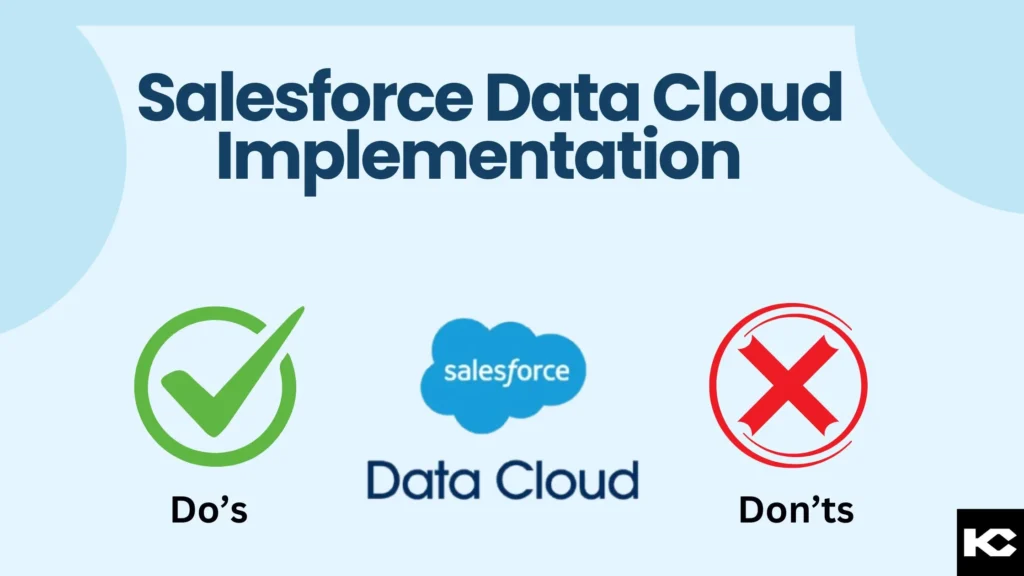
Do’s for Salesforce Data Cloud Implementation: Enterprise Best Practices
BEST PRACTICE 01
1. Define Clear Objectives and Aligned Use Cases
Start with a clear integration plan. Identify 2–3 main goals (e.g., improve retention, increase ROI) and align your specific CRM use cases with these goals.
Example Use Cases:
- Customer segmentation and profiling.
- Real-time marketing campaigns.
- Churn prediction and prevention.
- Cross-sell and upsell automation.
BEST PRACTICE 02
2. Focus Strictly on Data Quality
Bad data leads to bad decisions. Establishing data governance is vital for a strong Salesforce Data Cloud architecture.
- Remove duplicate and incomplete records before import.
- Standardize formats across systems (emails, phone numbers).
- Create a Single Source of Truth (SSOT).
- Define clear data ownership internally.
BEST PRACTICE 03
3. Seamlessly Integrate with Existing Systems
Poor integration is one of the biggest reasons for failure. Ensure you map all data sources (CRM, ERP, marketing tools) and choose the right integration method.
| Integration Method | Best For | Complexity | Cost |
|---|---|---|---|
| Salesforce Connectors | Standard systems (Marketo, SAP) | Low | Low |
| APIs (REST/GraphQL) | Custom integrations | Medium | Medium |
Implementation Steps:
- Conduct system compatibility audit.
- Design data mapping and transformation logic.
- Build in staging environments first, testing with min. 100K records.
- Implement monitoring and error handling.
- Roll out in phases (pilot → full deployment).
BEST PRACTICE 04
4. Plan for Scalability and Future Growth
Your data will grow – expect 2–5x data growth in a few years. Your system architecture should handle it seamlessly.
- Ensure Cloud infrastructure is in place (AWS, Azure, or Salesforce infrastructure).
- Define a database sharding strategy.
- Complete load testing (min. 10x current volume).
- Configure auto-scaling policies.
- Document a disaster recovery plan.
BEST PRACTICE 05
5. Leverage Salesforce Einstein & AI Tools
AI-powered insights are the competitive advantage of Data Cloud. Utilize Einstein Analytics for predictive lead scoring, opportunity recommendations, and automated anomaly detection.
Business Impacts:
- Lead Scoring: 40% improvement in conversion.
- Churn Prediction: 35% increase in retention.
- Cross-sell/Upsell: 25% increase in deal size.
BEST PRACTICE 06
6. Monitor Performance and Optimize
Salesforce Data Cloud is not a “set and forget” platform. Continuous optimization yields 15-30% additional ROI.
- Data Health: Track data freshness, quality scores, completeness, and sync latency.
- Usage Metrics: Monitor weekly active users, dashboard engagement, and self-service analytics adoption.
Implementation Pitfalls
Don’ts for Salesforce Data Cloud Implementation: Critical Mistakes to Avoid
1. Don’t Skip Comprehensive Data Mapping
Poor data mapping is the #1 cause of implementation failures.
- Do not migrate data without understanding relationships.
- Never assume data formats will auto-convert correctly.
- Do not ignore data dependencies, lineage, or stakeholder input.
2. Don’t Ignore Security, Privacy, and Compliance
Security breaches cost millions. Non-compliance can result in massive fines (e.g., GDPR up to €20M, HIPAA up to $1.5M/year).
- Enable encryption at rest (AES-256) and in transit.
- Implement strict RBAC, MFA, and SSO controls.
- Create automated data retention and deletion policies for compliance.
3. Don’t Overlook Infrastructure Scalability
A well-planned system that can’t scale is a failed investment.
- Avoid building for current needs only.
- Avoid full nightly data refreshes (poor performance).
- Ensure you have data partitioning and a disaster recovery plan.
4. Don’t Underestimate Integration Complexity
67% of implementation delays are due to integration challenges.
- Don’t rush without thorough planning or ignore interdependencies.
- Ensure proper error handling, robust logging, and rollback strategies.
5. Don’t Delay User Adoption Efforts
Even the best platform fails without user adoption (average rate is only 20-30% without change management).
- Avoid minimal or one-time training. Provide continuous reinforcement.
- Secure executive sponsorship and reward early adopters.
6. Don’t Rely Solely on Out-of-the-Box Features
A cookie-cutter approach leads to poor ROI. Every business is unique.
- Don’t use generic dashboards that don’t match business needs.
- Address unique industry requirements but avoid bloated over-customization.
Frequently Asked Questions (FAQs) About Data Cloud
1. What is the difference between Salesforce CRM and Data Cloud?
Salesforce CRM manages direct customer interactions and sales processes. Data Cloud unifies data from ALL sources (CRM, marketing, service, e-commerce, third-party) to create a complete customer view for real-time insights. Think of it as CRM + all your other enterprise data = complete customer intelligence.
2. How long does a typical Data Cloud implementation take?
It generally takes 4-6 months for a standard implementation (400-500 user base):
- Weeks 1-8: Planning, discovery, design & architecture
- Weeks 9-16: Build & configuration
- Weeks 17-24: Testing, QA, training & change management
- Week 25: Go-live
3. How much does Salesforce Data Cloud cost?
Pricing is based on Edition (Standard, Plus, Premium, Einstein), Data volume (GB ingested and stored), Users (per-user licensing), and Add-ons (Einstein Analytics, Slack). Typical costs range from $50,000 to $500,000+ annually depending on enterprise scale.
4. Can I integrate Data Cloud with non-Salesforce systems?
Yes! Data Cloud integrates heavily with marketing platforms (HubSpot, Marketo, Adobe), ERPs (SAP, Oracle, NetSuite), analytics platforms (Tableau, Looker), data warehouses (Snowflake, BigQuery), and custom systems via REST/GraphQL APIs and ETL tools.
5. What’s the biggest risk in Data Cloud implementation?
The top 3 risks are: 1) Poor data quality (mitigate with strong data governance); 2) Low user adoption (mitigate with excellent change management); 3) Integration complexity (mitigate with thorough planning and staging).
Conclusion: Your Path to Data Cloud Success
Implementing Salesforce Data Cloud is a transformative journey that can unlock tremendous business value – but only when done strategically. Success comes down to strong planning, rigorous data quality governance, extensive change management, and relentless continuous optimization.
Ready to Get Started?
About Kizzy Consulting
Kizzy Consulting is a leading provider of Salesforce consulting and a verified Snowflake partner in the USA and Australia. With 200+ successful implementations and $50M+ in measurable client ROI, we specialize in helping enterprises like yours leverage Salesforce Data Cloud to unify analytics and achieve strategic objectives.